Every screenshot deserves to be remembered.
Turn plain screenshots into polished product shots with device mockups, gradient backdrops, and film grain. All in the browser, in seconds.
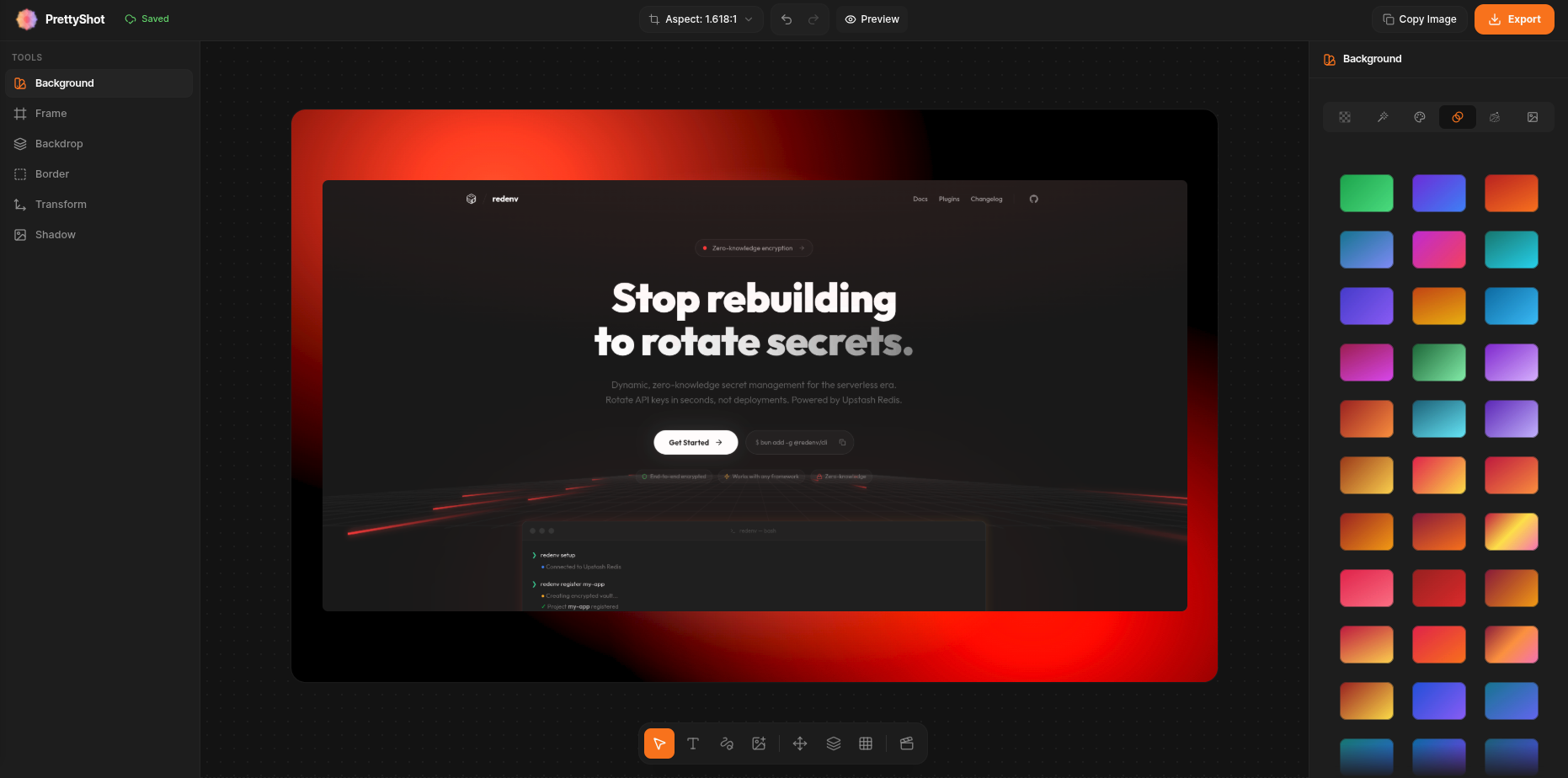
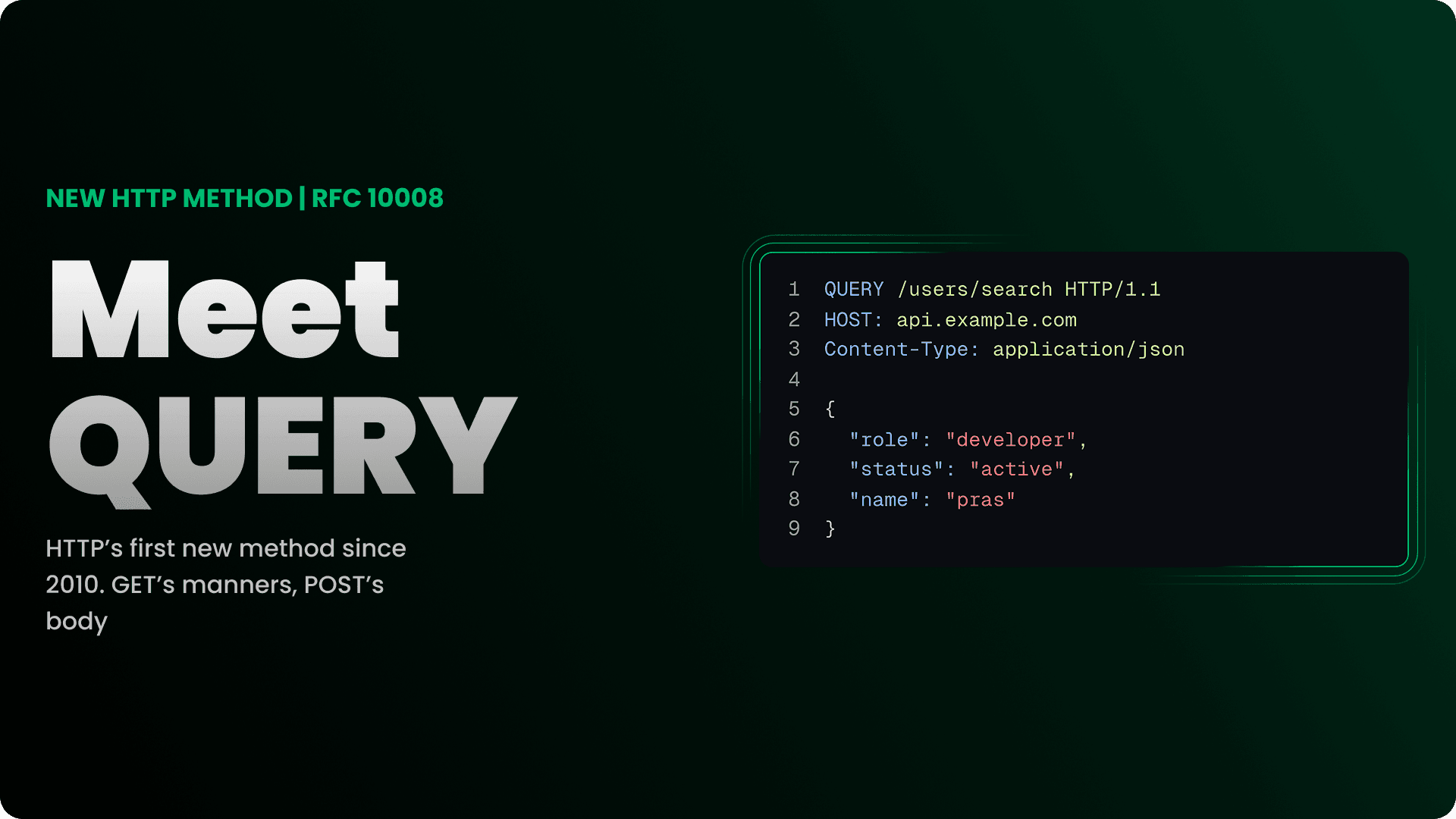
Add a mesh background
An emerald mesh gradient appears behind your screenshot, tuned to the colors already in the shot.
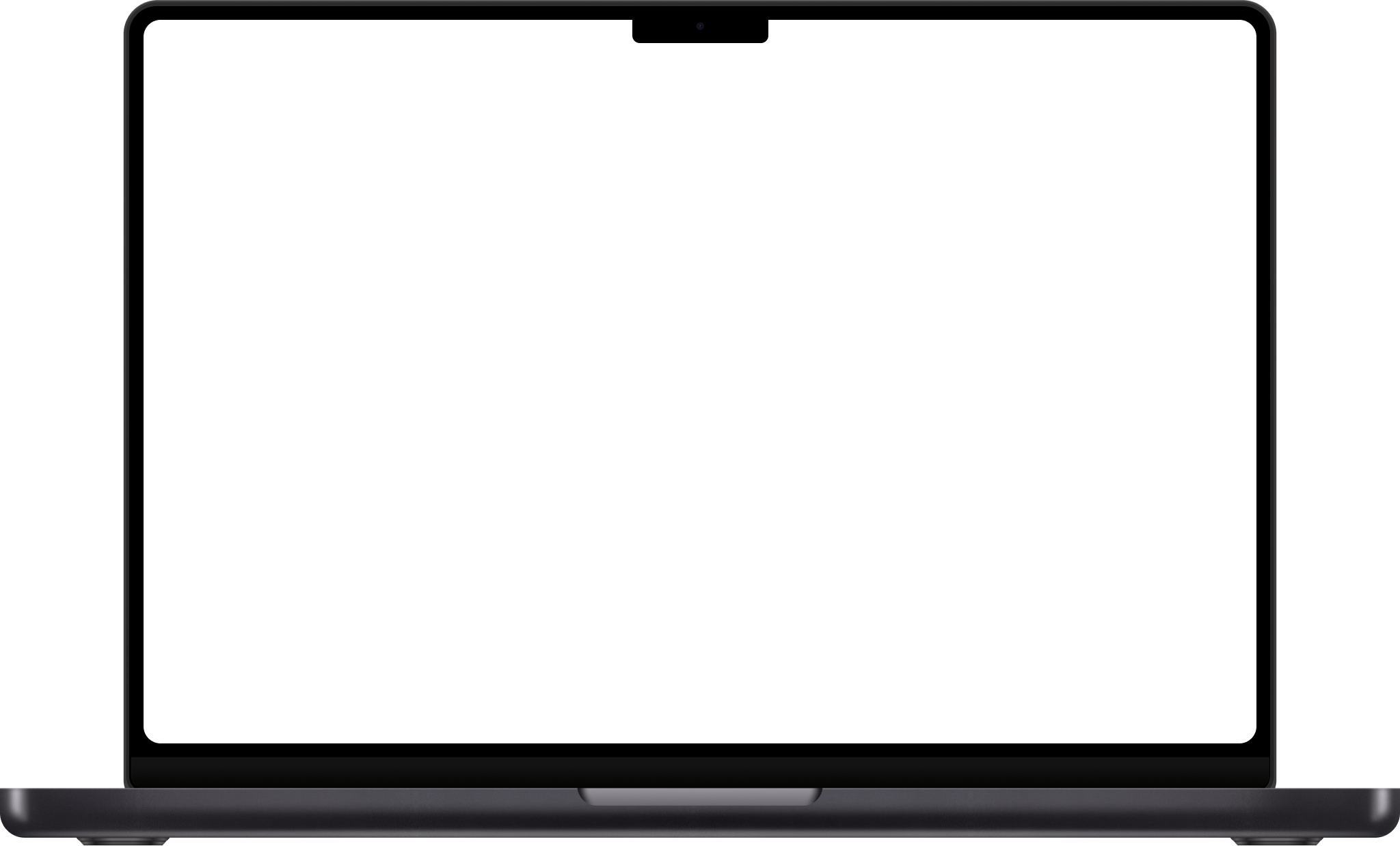
Frame it in a MacBook
A real MacBook frame wraps around it. Your image becomes the laptop screen, with true geometry.
Give it depth
The whole laptop tilts in 3D. A flat capture becomes a physical prop.
Tune the backdrop
Adjustments bring the whole backdrop to life with richer saturation and contrast.
A studio, built for screenshots.
Every tool exists for one job: taking a plain capture and making it look built.
Backgrounds
Solid, linear, mesh and aurora backdrops. Auto palettes sampled straight from your screenshot.
Frames
Real iPhone, MacBook and iPad frames, plus Safari and Chrome windows with an editable address bar.
Grain & lighting
Physical film grain, soft shadows and directional light. Frames feel like objects, not files.
Tilt & depth
Rotate in 3D, control perspective and shadow angle. A flat capture becomes a prop.
Text & annotations
Labels, callouts, arrows and freehand ink. Every element stays editable after you draw it.
Crop & multi-shot
Pixel-crop any shot, then compose two or three screenshots into one canvas for stories.
Animation
A real timeline with easing and clips. Animate zoom, tilt, shadow or the background itself.
Export everything
PNG, WebP, JPEG and video. From a quick clipboard copy up to 8K stills and 4K motion.
Cloud autosave
Free designs live on your device. Pro designs sync to the cloud and follow you anywhere.
Textures & overlays
A library of shadow textures and gradient overlays to place on top of or behind the shot.
Pay once. Own it forever.
Start free, no signup. Upgrade to Lifetime Pro when you're ready. One payment, no subscription.
Free
For trying it out
A real editor, not a demo. Enough to make your first screenshots look sharp.
- PNG exports up to 1080p HD
- Safari & Chrome browser frames
- Solid, mesh & aurora backgrounds
- Auto palettes from your screenshot
- Annotations, text & shapes
- Standard aspect ratios
- Free Pro trial, no card required
Pro
For people who ship
Everything unlocked, one payment. Built for makers who put screenshots in front of people every week.
- Everything in Free, plus:
- PNG, JPEG & WebP up to 8K
- Premium iPhone, MacBook & iPad frames
- 3D tilt
- Social presets + custom ratios
- Animation timeline + video export
- Cloud sync across devices
- No watermark on exports
Not sure yet? Every account gets a free Pro trial. No card required.
Answers, before you ask.
Everything about privacy, pricing and what the editor can do. Still curious? Ask on GitHub.